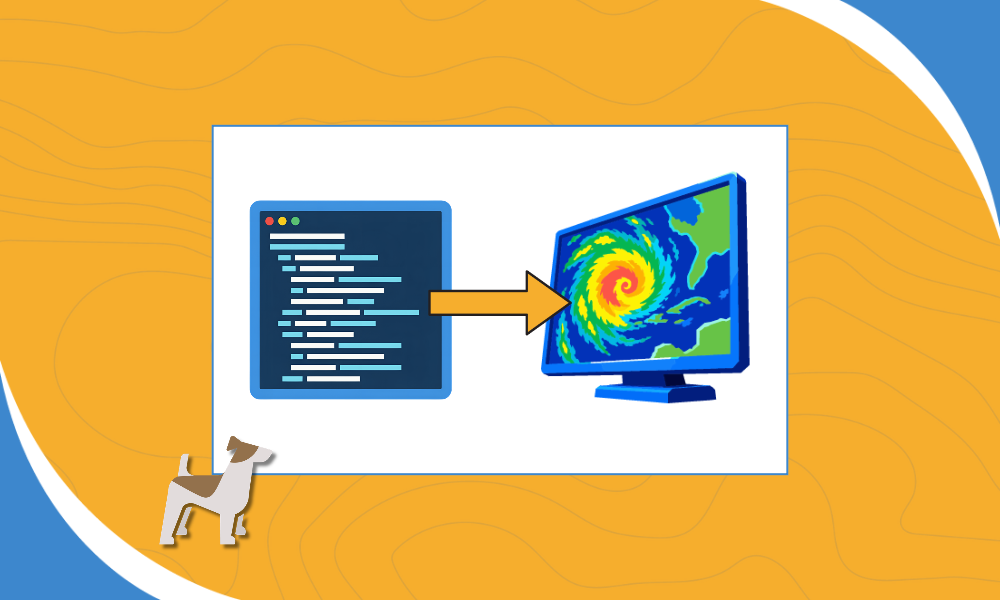
Two simple prompts and one public GitHub repo helped an AI coding assistant build a working weather radar app in minutes.
The request was simple: build a weather radar map web tool using Wet Dog Weather’s TerrierWebSkill. No framework choices, no layer lists, no design brief. The AI agent cloned the repo, read the instructions inside it, and scaffolded a full-screen radar viewer powered by Terrier.
Here is how that worked.
What Is the Terrier Web App Skill?
An agent skill is a folder of instructions that teaches an AI coding assistant how to do one job well. Tools like Claude, Claude Code, and Cursor read it the way a new developer reads an onboarding guide.
The TerrierWebSkill holds three files. SKILL.md sets the defaults and build steps. reference.md carries copy-paste configuration and layer recipes. README.md explains how to install it.
The defaults are opinionated on purpose. The skill tells the agent to use Vite, React, and MapLibre, center the map on the continental U.S., and never stop to ask questions. It also writes down the hard-won fixes our team learned the slow way: which MapLibre version works best with Terrier, how to load Terrier’s WebAssembly engine, and which layer name to use for radar.
That is the real value. Integration knowledge that used to live in a developer’s head, or a support thread, now ships with the product.
From Prompt to a Working Radar App
The prompts used with Claude:
I’d like to create a weather radar map web tool using https://github.com/WetDogWeather/TerrierWebSkill.git
And we should use the dev endpoint and the API key WDWprovidedDevelopmentAPIkey
The whole build followed the skill’s playbook, with the agent working in its own cloud workspace.
- Clone and read. The agent pulled the TerrierWebSkill repo and read all three files before writing any code.
- Scaffold. It created the project exactly as the skill lays out: a package.json, a Vite config, a script that copies Terrier’s WebAssembly files into place, and the React components.
- Build the radar viewer. The main component draws an OpenFreeMap basemap, then starts Terrier’s MRMS reflectivity layer, blending observed radar with short-term advected radar. Weather draws under the map labels so city names stay readable.
- Add the controls. A heads-up display switches between Radar, Temperature, and Wind UV. A Play/Pause button and time slider sit at the bottom, and the data window refreshes every two minutes.
- Connect to Boxer. Partway through, we gave the agent our dev stack and API key. It stored them in a local environment file that stays out of version control.
- Install and verify. The agent installed dependencies, ran a production build, and started the dev server to confirm every file loaded correctly.
- Hand off. It delivered a zip file with a short README. On the desktop, three commands got it running: unzip, npm install, npm run dev.
No one picked a framework, wrote a config file, or looked up a Terrier layer name.
See the Terrier Radar App Running
These two clips show the finished app running on a desktop, straight from npm run dev.
Look for the animated MRMS radar loop across the continental U.S., the layer switcher in the top-left corner, and the time slider along the bottom.
How an AI Coding Assistant Simplifies Setup
The skill turns the slowest part of a Terrier project, the first hour of setup, into a single request.
That matters most for teams new to Terrier. Instead of reading docs, comparing versions, and debugging a blank map, they start with a working radar app and spend their time on what makes their product different.
It also changes how we share expertise. When our team finds a fix, it goes into the skill, and every future build gets it automatically. The dev-mode bug from this build is a perfect example.
Want to try it? Clone or refer to the TerrierWebSkill repo, drop it into your project’s skills folder, and ask your AI coding assistant to build a Terrier app. You will need a Boxer stack and API key to see live weather data.
For more on how our team builds with AI, follow along in the AI Journal. Have a project in mind? Contact us, and let’s talk about what Boxer and Terrier can do for you.